

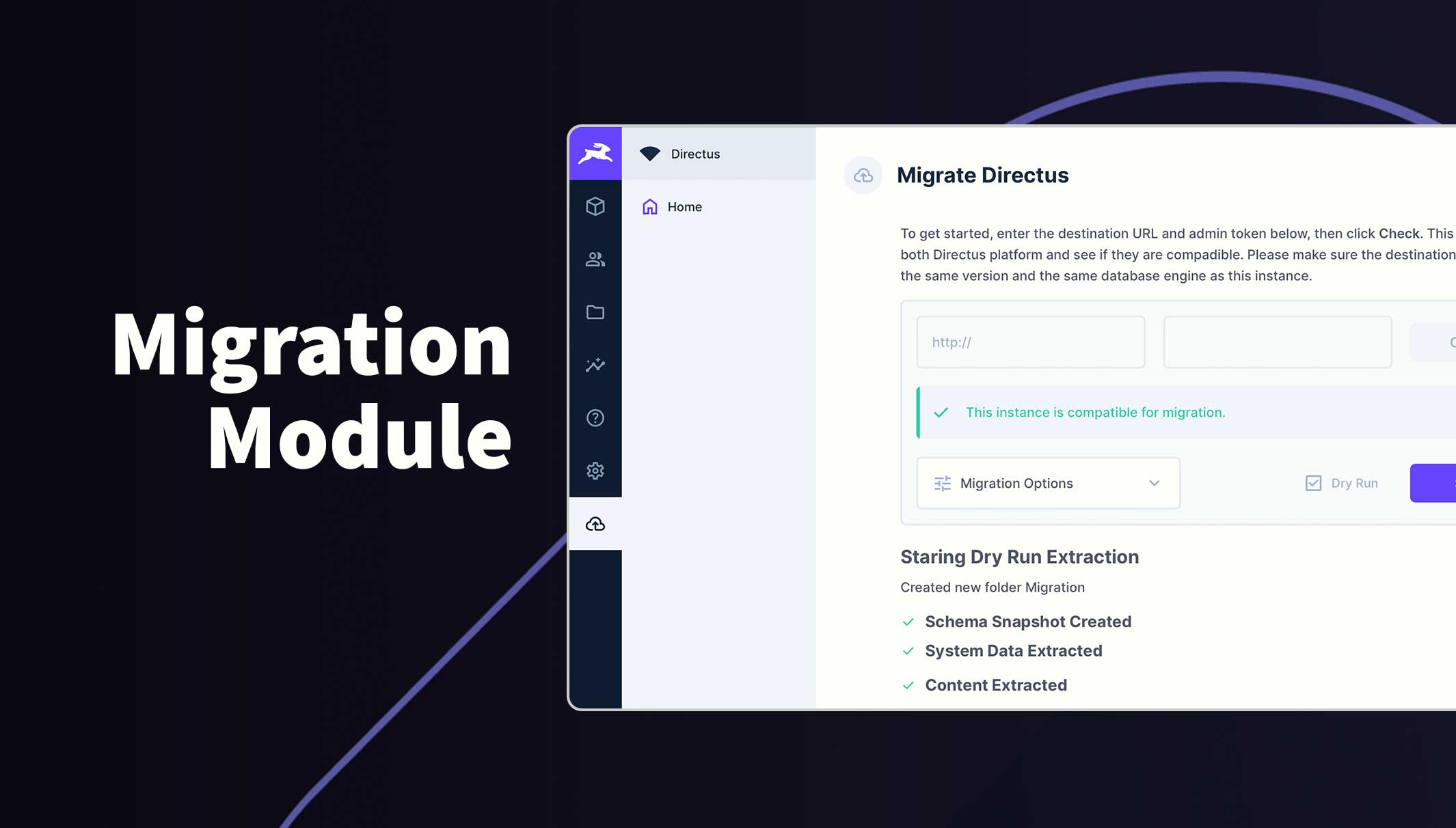
Directus Migration Module
Migrate the current Directus instance to another location with ease, using this simple module.
Usage
Once installed you can enable the navigation menu item in your Project Settings or go straight to the module page at /admin/migration.
To get started, enter the destination URL and admin token into the fields provided, then click Check. This will compare both Directus platform and see if they are compatible.
Please make sure the destination instance is on the same version and the same database platform as the source instance.
If valid, you can start the "Dry Run" migration straight away or customize the migration as required.
Run the migration by unchecking the Dry Run checkbox and click start. The process runs in the background so you can close your browser and it will notify you when the migration is complete. Normally, a small to medium project will only be a 1 - 2 minutes. Projects will large file libraries will take much longer.
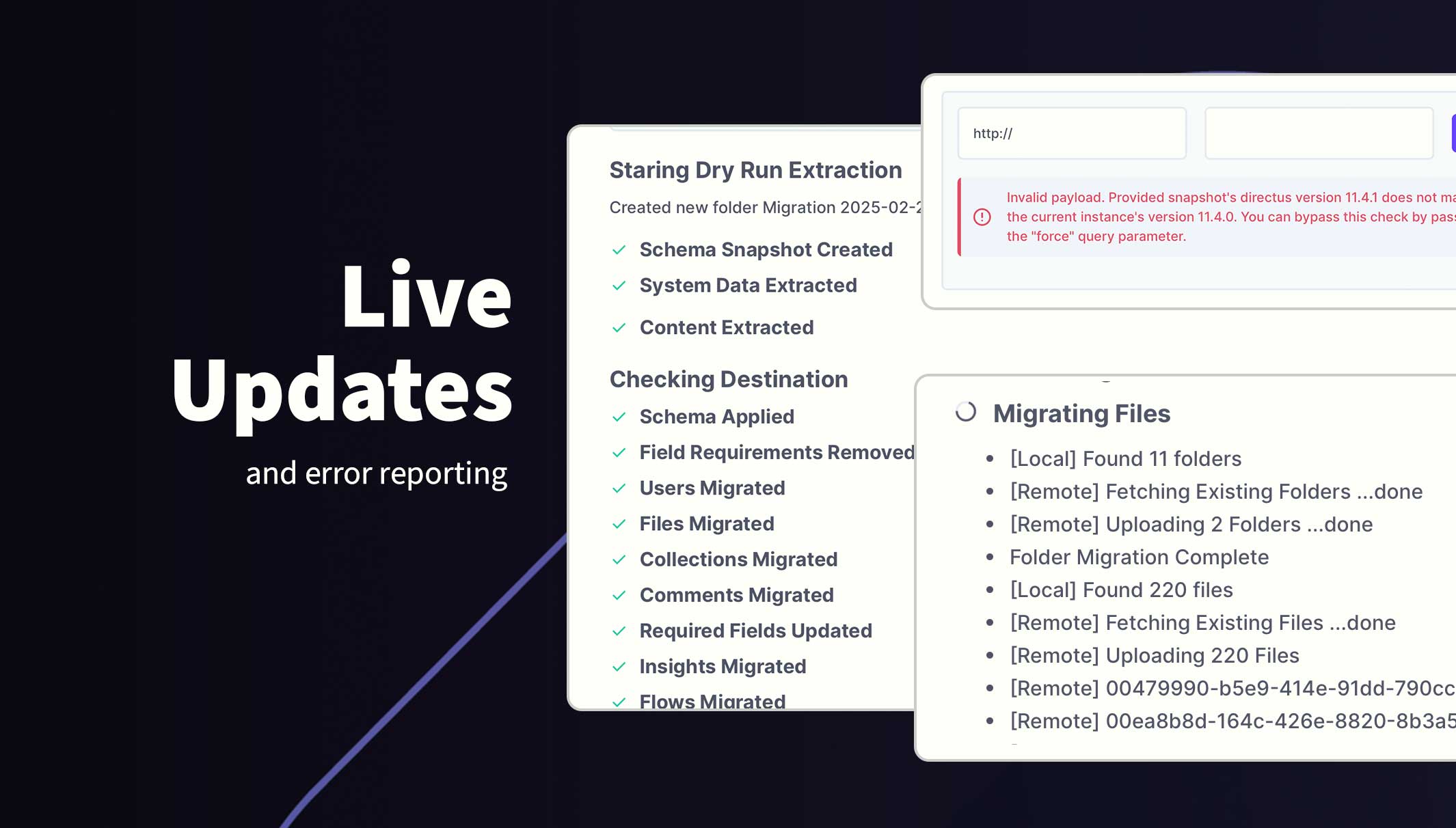
Incomatible Schema
The destination instance must be the same version and the same database platform as the source instance. This can be overriden using the Force checkbox which appears when this error occurs.
This is not recommended and will most likely need further intervention.
Failed Migration
If the migration fails, don't worry, simply run the migration again. Existing content is skipped so it will continue where it left off.
Requirements
- 2x Directus instances on at least 11.1.2+ using the same database platform.
- Admin user and admin token from destination.
For larger projects, migrations naturally use significant bandwidth. Limits have been placed on API calls to ensure the destination is not overwhelmed.
Installation
Refer to the Official Guide for details on installing the extension from the Marketplace or manually.
Configuration
Hybrid Configuration System
The migration module uses a two-tier configuration system combining environment variables and Directus presets for maximum flexibility.
1. Environment Variables (Admin Defaults)
Administrators can set default values that apply to all users via environment variables:
# Default destination URL
MIGRATION_BUNDLE_DEFAULT_URL=https://stage.example.com

# Default admin token (optional - can be left empty for security)
MIGRATION_BUNDLE_DEFAULT_TOKEN=your-admin-token

# Default selected options (comma-separated)
MIGRATION_BUNDLE_DEFAULT_OPTIONS=content,users,flows
Available options for MIGRATION_BUNDLE_DEFAULT_OPTIONS:
content- Collections and their datausers- Users, roles, and permissionscomments- Activity commentspresets- User bookmarksdashboards- Insights dashboardsextensions- Installed extensionsflows- Automation flows
2. Directus Presets (User Configurations)
Users can save their migration configurations as Directus presets, which are stored in the database and accessible across sessions and devices.
Features:
- Named Configurations: Save multiple configs like "Production Sync", "Content Only", "Full Migration"
- Scope Control: Save presets for yourself, your role, or globally (admin only)
- Quick Access: Load saved configurations from a dropdown menu
- Override Defaults: User presets take precedence over environment defaults
How to use:
- Configure your migration settings (URL, token, options)
- Click the bookmark icon (📑) to save as a preset
- Choose a name and scope (personal/role/global)
- Load saved presets from the dropdown above the form
3. Configuration Priority
The system follows this priority order:
- User-selected preset (highest priority)
- Environment defaults (if no preset selected)
- Empty form (if neither configured)
This approach provides:
- For Admins: Environment-specific defaults across environments
- For Users: Personal saved configurations
- For Teams: Shared configurations via role-based presets
- Best Practice: Consistent setups with flexibility
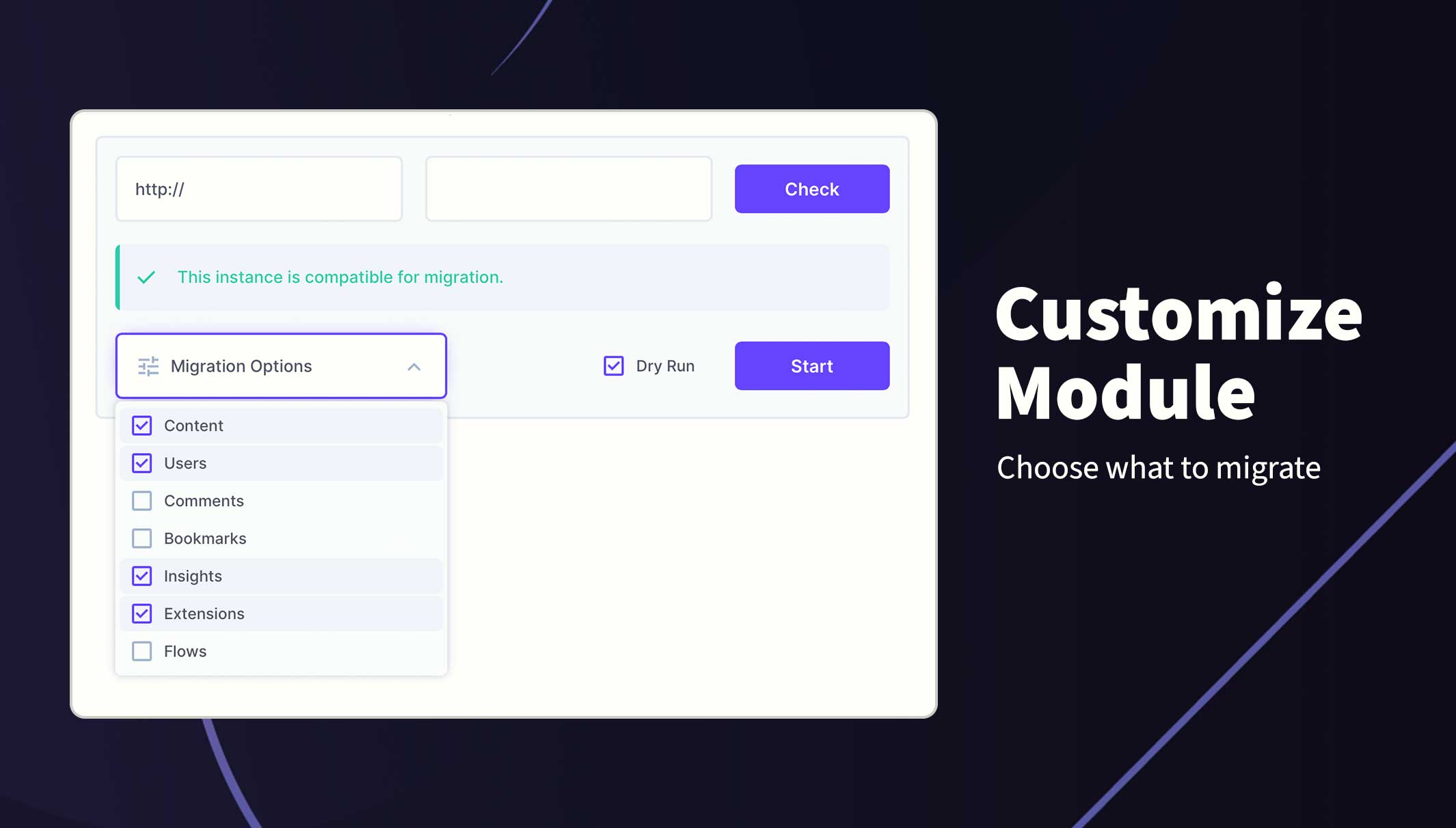
How to Customize the Migration
- On the migration module, add the destination server and token and click Check
- If valid, the Migration options field will appear. Click this to reveal what is migrated
- Uncheck any sections to exclude from the migration
- Start the migration
File Batch Size
When the content scope is selected, a Batch size control appears. This controls how many files are read into memory and uploaded before a new batch begins.
| Value | Behavior |
|---|---|
| 5 | Lowest memory usage — best for constrained environments |
| 10 (default) | Suitable for most projects |
| 15 | Moderate speed increase |
| 20 | Faster on high-bandwidth connections |
| 25 | Maximum throughput — higher memory usage |
When to adjust:
- Lower the batch size if the migration runs out of memory or the source/destination server is under heavy load.
- Raise the batch size if you have a fast connection and want to speed up large file libraries.
Permissions
This extension requires admin privilages on both instances to ensure all data is accessible and writable.