

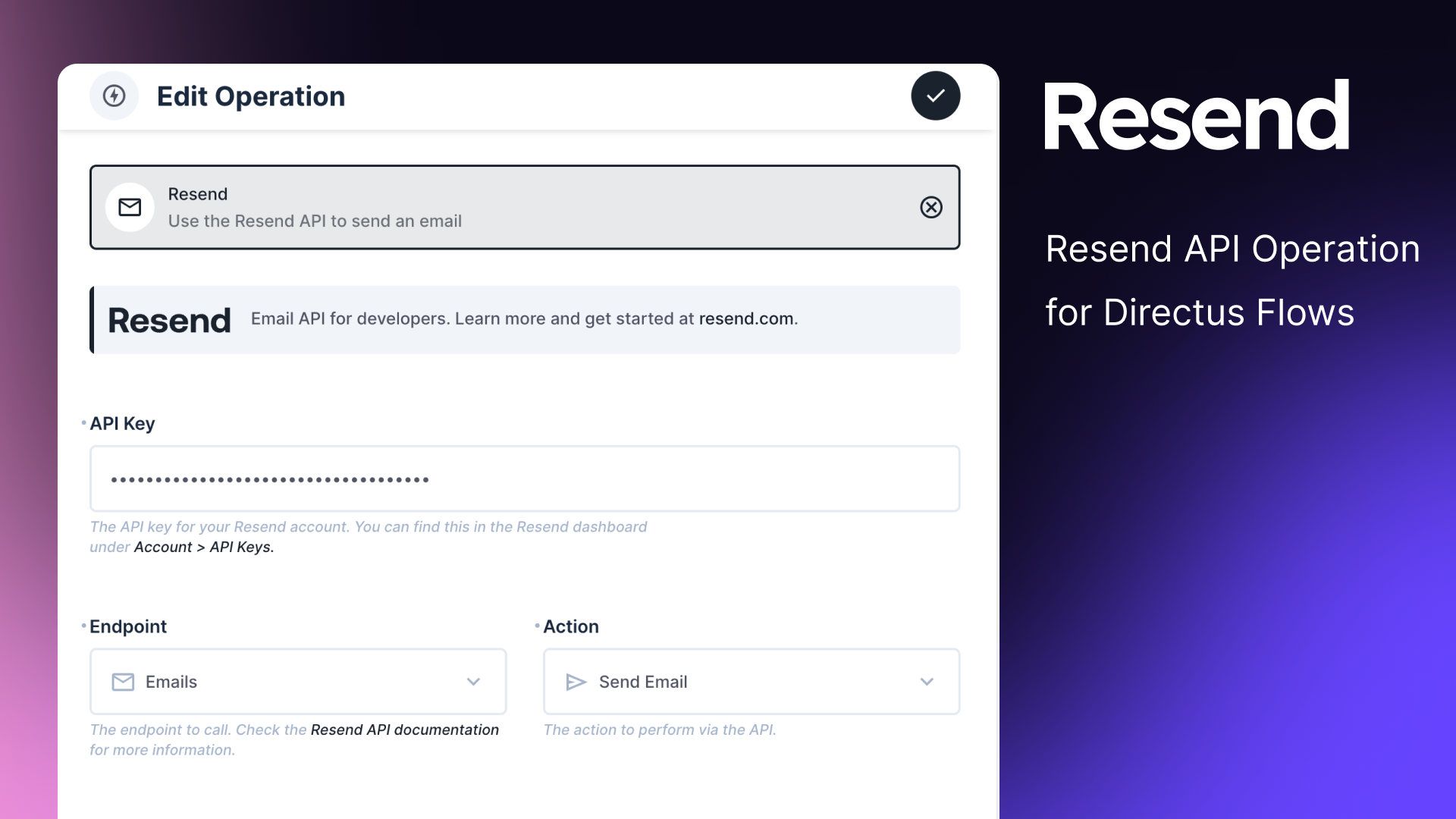
Resend Email Operation
The Resend Email Operation allows you to seamlessly integrate Resend's powerful email API into your Directus flows. This operation provides a comprehensive interface for sending emails, managing domains, API keys, audiences, and contacts, all within your Directus environment.
Features
- Send individual and batch emails
- Manage domains, API keys, audiences, and contacts
- Support for HTML and plain text email content
- Email scheduling capabilities
- Attachment support
- Custom headers and tags
- Retrieve, update, and cancel emails
Use Cases
- Transactional Emails: Send order confirmations, password resets, and account notifications.
- Marketing Campaigns: Create and manage email lists for newsletters and promotional content.
- User Onboarding: Automate welcome emails and onboarding sequences for new users.
- Event Management: Send event invitations, reminders, and follow-ups.
- Customer Support: Automate support ticket notifications and responses.
- Email Infrastructure Management: Easily set up and manage email domains and API keys for your organization.
Endpoints and Fields
For more detailed information about the Resend API and its capabilities, please refer to the official Resend API reference.
Emails
-
Send Email
- From
- To
- Subject
- HTML Content
- Plain Text Content
- CC
- BCC
- Reply To
- Scheduled At
- Headers
- Attachments
- Tags
-
Send Batch Email
- Batch Emails (JSON array of email objects)
-
Retrieve Email
- Email ID
-
Update Email
- Email ID
- Scheduled At
-
Cancel Email
- Email ID
Domains
-
Create Domain
- Name
-
Retrieve Domain
- Domain ID
-
Verify Domain
- Domain ID
-
Update Domain
- Domain ID
- Click Tracking
- Open Tracking
- TLS
-
List Domains
- (No additional fields)
-
Delete Domain
- Domain ID
API Keys
-
Create API Key
- Name
- Permission
- Domain ID
-
List API Keys
- (No additional fields)
-
Delete API Key
- API Key ID
Audiences
-
Create Audience
- Name
-
Retrieve Audience
- Audience ID
-
Delete Audience
- Audience ID
-
List Audiences
- (No additional fields)
Contacts
-
Create Contact
- Audience ID
- First Name
- Last Name
- Unsubscribed
-
Retrieve Contact
- Audience ID
- Contact ID
-
Update Contact
- Audience ID
- Contact ID
- First Name
- Last Name
- Unsubscribed
-
Delete Contact
- Audience ID
- Contact ID or Email
-
List Contacts
- Audience ID
Configuration
- Select the desired endpoint (Emails, Domains, API Keys, Audiences, or Contacts).
- Choose the specific action to perform on the chosen endpoint.
- Enter your Resend API key (required for all operations).
- Fill in the required fields based on the chosen endpoint and action.
- Configure any optional fields as needed.
Security Considerations
- Keep your Resend API key secure and never expose it in client-side code.
- Use Directus roles and permissions to control access to the Resend operation.
- Be cautious when using user-provided data in email content to avoid potential security risks.
- Regularly rotate your API keys to maintain security.
Error Handling
The operation will throw an error if the Resend API returns an error response. Make sure to handle these errors appropriately in your flows.