

AI Writer Operation
Generate text based on a written prompt within Directus Flows with this custom operation, powered by OpenAI's Text Generation API, Anthropic MistralAi (via Replicate) and Meta's LLama (via Replicate).
Configuration
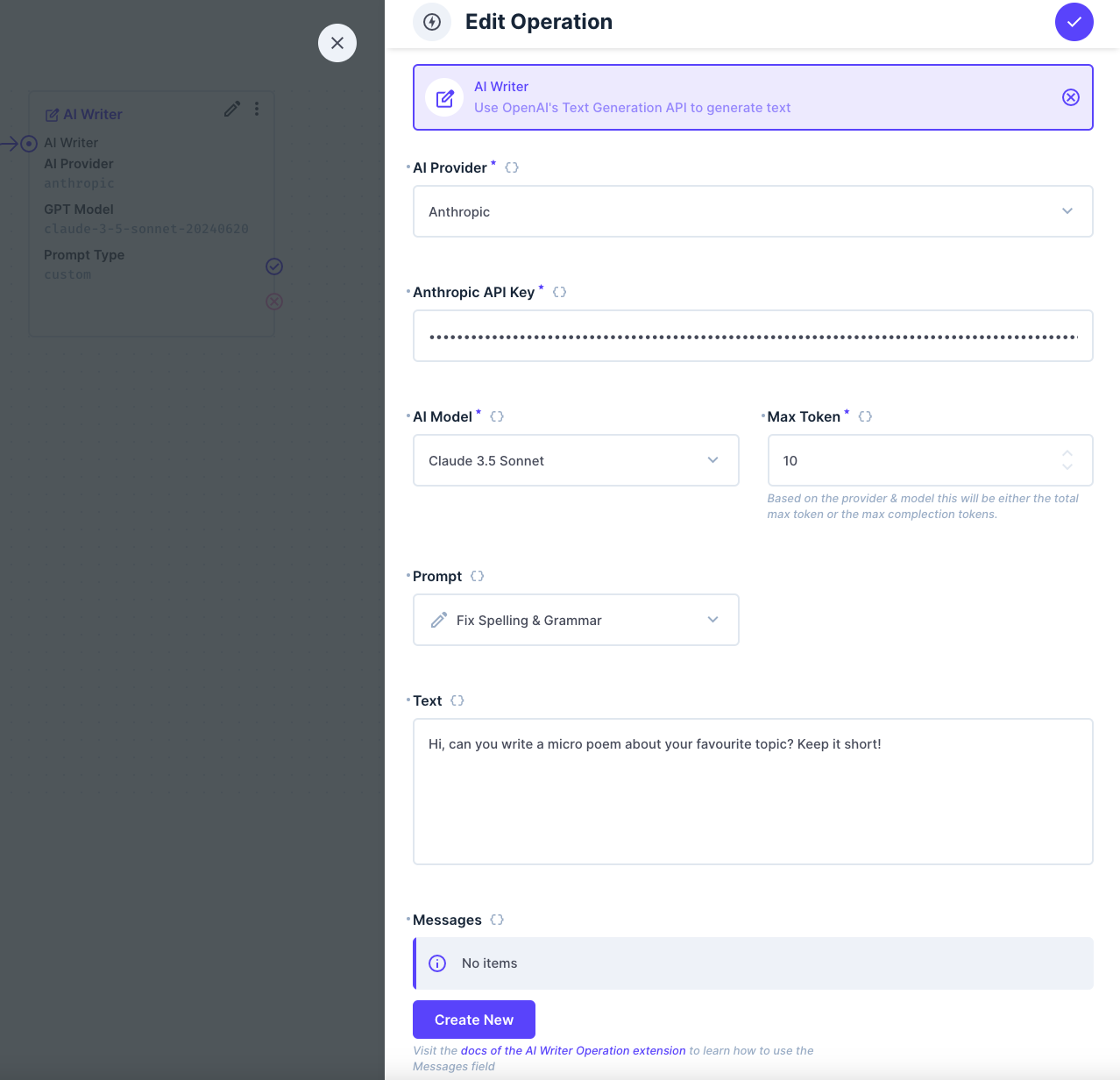
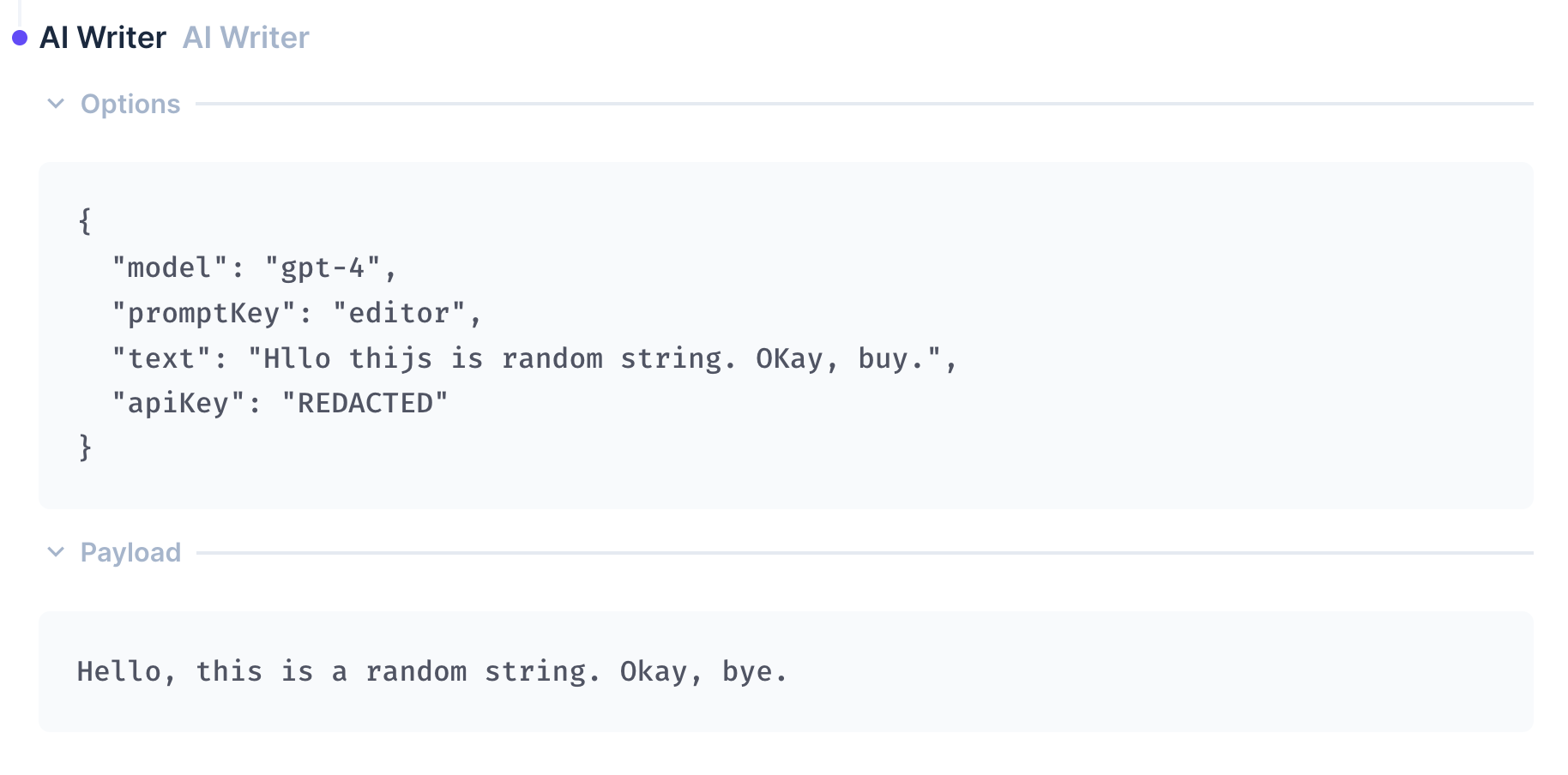
This operation contains some configuration options - an Api-Key, a selection of which model and prompt to use, and a text input. The text input can contain references like {{$last.data}} to refer to data available in the current flow. The prompt can be customised further using the optional Messages repeater field. The operation returns a string of the transformed or generated text.
API-Keys
You can generate your API-Keys on the follosing sites:
Custom Prompts
For a completely custom prompt using the "Create custom prompt" type, you will need to create a system message at the start of the message thread so that the Text Generation API knows how it should respond. Examples of initial system prompts can be found in the config objects of each built-in prompt in the source code of this extension. OpenAI also provides a solid overview of how to write good prompts.
Customising Responses (Advanced users)
The Messages repeater can be used to create or extend seed prompts to OpenAI's Text Generation API. The Messages repeater creates an array of messages that form a conversation thread. The Text Generation API will refer to the thread to determine how it should respond to further user prompts. The content in the Text field is used as the last user prompt sent to the Text Generation API before receiving the final response. This response is forwarded to the next operation in the flow as a string.
Messages can be simulated as coming from one of three roles:
- System — Modifies the personality of the assistant or provide specific instructions about how it should behave throughout the conversation. An initial system message is already included for each prompt type. Using this option will add further system messages to the thread.
- User — User provided requests or comments for the assistant to respond to
- Assistant — Example responses generated by the Text Generation API to help provide hints on how the Generative Text API should respond.
OpenAI's Documentation explains further how the underlying API and models work. It may be helpful to read these to better understand the underlying process. The following quote from the documentation is important for understanding the Message Thread format and intent:
Typically, a conversation is formatted with a system message first, followed by alternating user and assistant messages.
Getting a desired output works best when following the format of creating a system message first followed by alternating between user, then assistant responses. Each of the preset prompt types available in the drop down field include a system message except for the "Create Custom Prompt" option which allows you a lot more flexibility.
Extending Built-in Prompts
You can add more messages to the conversation thread, before getting your final response, by adding them to the Messages repeater field. These are injected at the end of the built-in seed thread and before the final prompt is sent.
This can be useful for:
- Providing examples of the expected behaviour
- Injecting content from your Directus instance to show the type of tone used in your project
- Providing clarifying instructions - the Editor prompt makes use of this as Chat GPT-3.5 can get confused when given a prompt to edit that looks like a new instruction
Keep in mind that OpenAI pricing charges for both tokens received and sent. Longer seed threads will result in higher usage costs.