bundle
Texttoanything
Generate PDF`s/QRcodes/Barcodes, use OCR and virusscanner within Directus!
Directus TextToAnything extension
Introduction
Do you want to create PDFs, barcodes, and QR codes or use OCR within Directus? This extension bundle offers the required operations to achieve that!
The installation process is explained in The site.
Features
OCR based on a file
More info on the wiki.OCR as interface
OCR inside of flows
OCR inside extensions
Check the wiki for more information on using OCR inside of extensions.PDF generation based on HTML
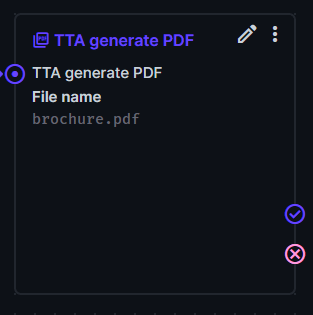
More info on the wiki.HTML to PFD inside Flows
HTML to PDF inside extensions
const fileID = await globalThis.TTA.generatePDF({
  pdfoptions: {
    html: "HTML body",
    footer: "HTML footer",
    footer: "HTML header",
    format: "A4",
    landscape: false,
    margin: 10,
    marginRight: 5,
    marginLeft: 500,
  },
  filename: "file.pdf",
});
HTML PDF templates
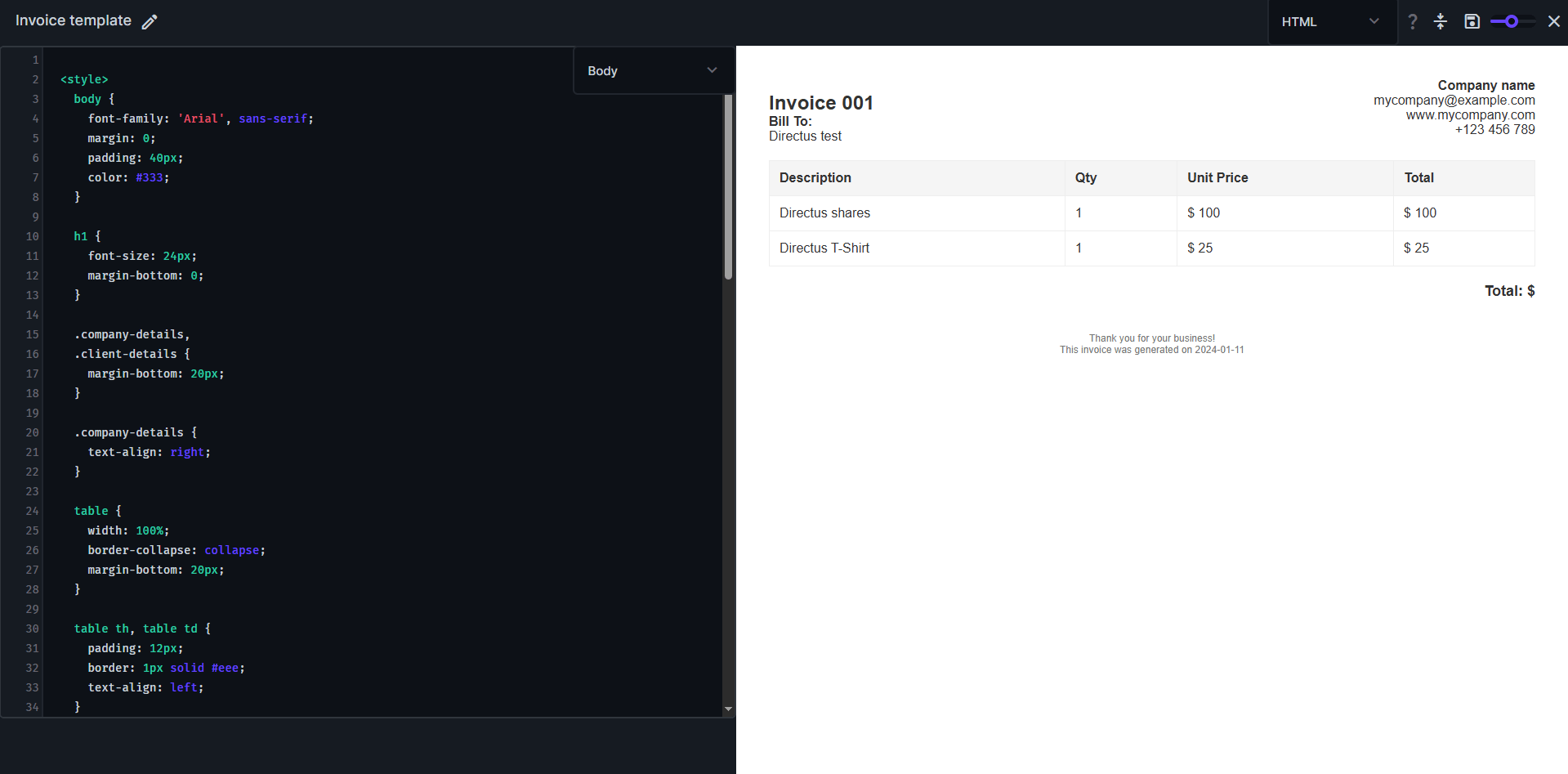
More info on the wiki.Since creating a PDF template can be challenging when working solely with strings, this extension also includes a built-in template editor.
Keep in mind that when using online mode, you will need to link your RapidAPI account see this article for more details
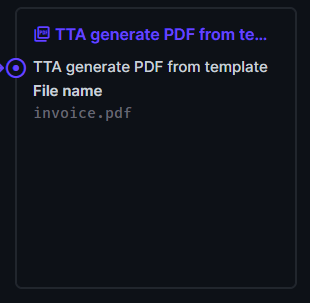
PDF generation based on a template can be done in 2 ways: Template to PDF inside Flows
HTML to PDF inside extensions
const fileID = await globalThis.TTA.generatePDFFromTemplate({
  template: templateIDHere,
  templatevariables: { variableOne: "A", variableTwo: "B" },
  mode: "online",
});
Offline mode will use the templates configured inside of Directus itself:
const fileID = await globalThis.TTA.generatePDFFromTemplate({
  template: templateIDHere,
  templatevariables: { variableOne: "A", variableTwo: "B" },
  mode: "offline",
});
QR code generation
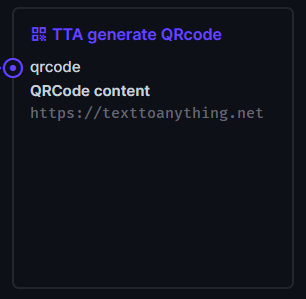
More info on the wiki.QR code generation inside Flows
QR code generation inside extensions
const fileID = await globalThis.TTA.generateQRCode({
  content: "Your barcode content!",
  darkColor: "fff",
  lightColor: "000",
  margin: 2,
  width: 200,
});
Barcode generation
More info on the site.Barcode generation inside Flows
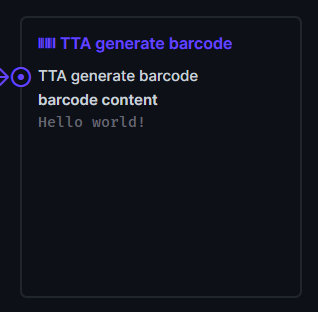
Barcode generation inside extensions
const fileID = await globalThis.TTA.generateBarCode({
  barcodeContent: "Your barcode content!",
  barcodeType: "code128",
  scale: 2,
  height: 10,
  includetext: true,
});
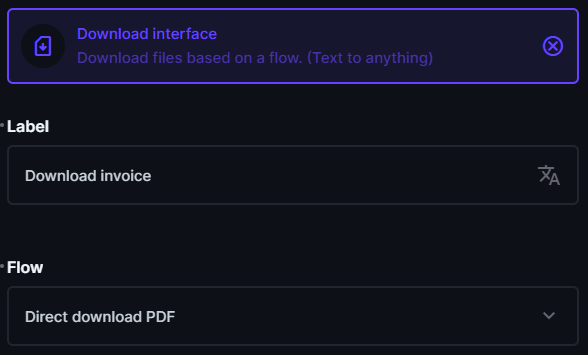
Download file interface from a flow
More info on the site.The interface will display a button and download the file id returned by a flow, for example:
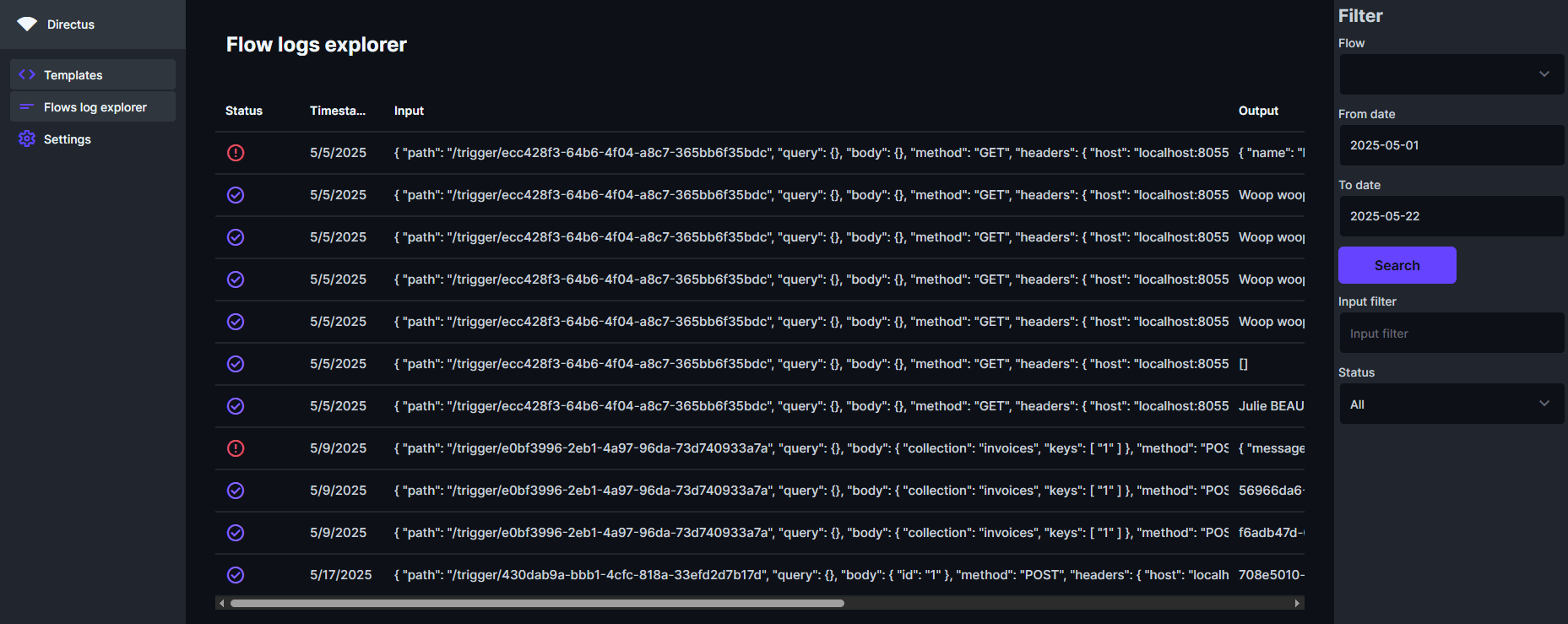
Flow logs explorer
More info on the website.The module will show flow logs and let you filter on them:
If there are any questions or bugs, please create an issue.
You can also join our Discord if you need direct support.
Guides
FAQ
1. Is my data safe while using TTA?Yes — we do not store any of the content you generate or process on our servers.
If you have any concerns regarding data security, feel free to reach out to us via our Discord. 2. Why does this extension require a RapidAPI key?
This extension relies on a RapidAPI key for the following reasons:
- To offloading resources, for example generating a PDF from HTML requires alot of system packages and causes extra load on your system
- To support and fund ongoing development and maintenance 3. How can I find or reset my RapidAPI key?
You can refer to this guide for instructions on creating or rotating your RapidAPI key. 4. I have a question, issue, or feature request — where should I go?
We welcome all feedback and contributions. Please open an issue on GitHub or contact us in our Discord. 5. How do I cancel my subscription?
To manage or cancel your subscription, please visit your RapidAPI billing settings.